Automate and control your Android fleet
Design workflows visually, run them on real devices, and follow every execution from one place. Everything you need, from the first installation to advanced automation.
Up and running in three steps
Install the agent, register your first device, then run your first workflow.
Install the app
Install the AndroMate agent on your Android device and sign in.
Installation guide →Build and run a workflow
Create a workflow in Studio, attach it to a job and launch it.
Create a workflow →One platform, every step of automation
From building the logic to reading the results, each part of AndroMate is designed to work together.
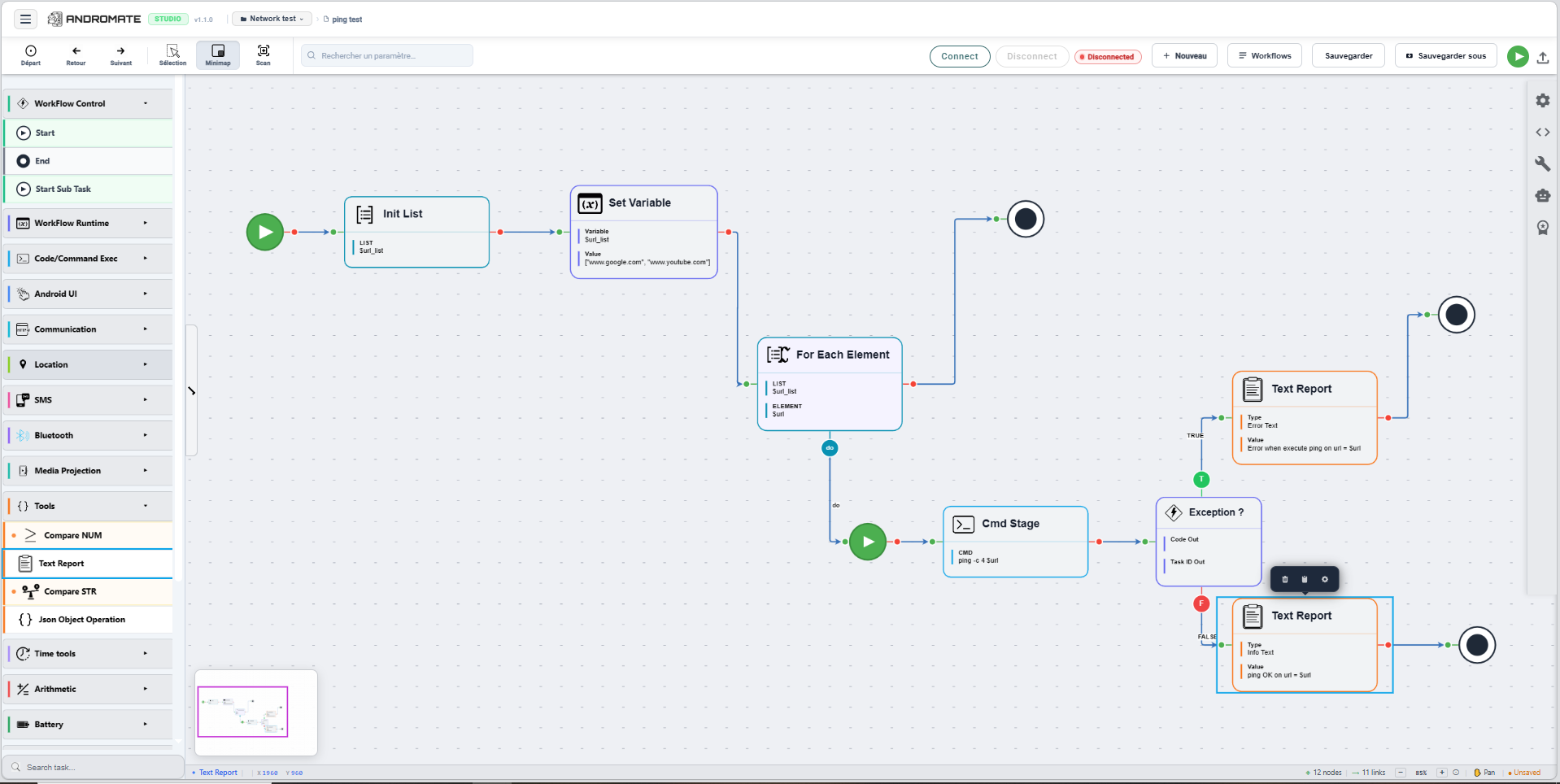
Build workflows visually
Drag tasks onto the canvas, connect them and define your logic. No code is required, yet you can drop into Java code whenever you need it.
- A palette of tasks for UI automation, network, Bluetooth, SMS and more
- Variables, conditions and loops to shape the flow
- Save and reuse workflows across jobs
Manage your devices
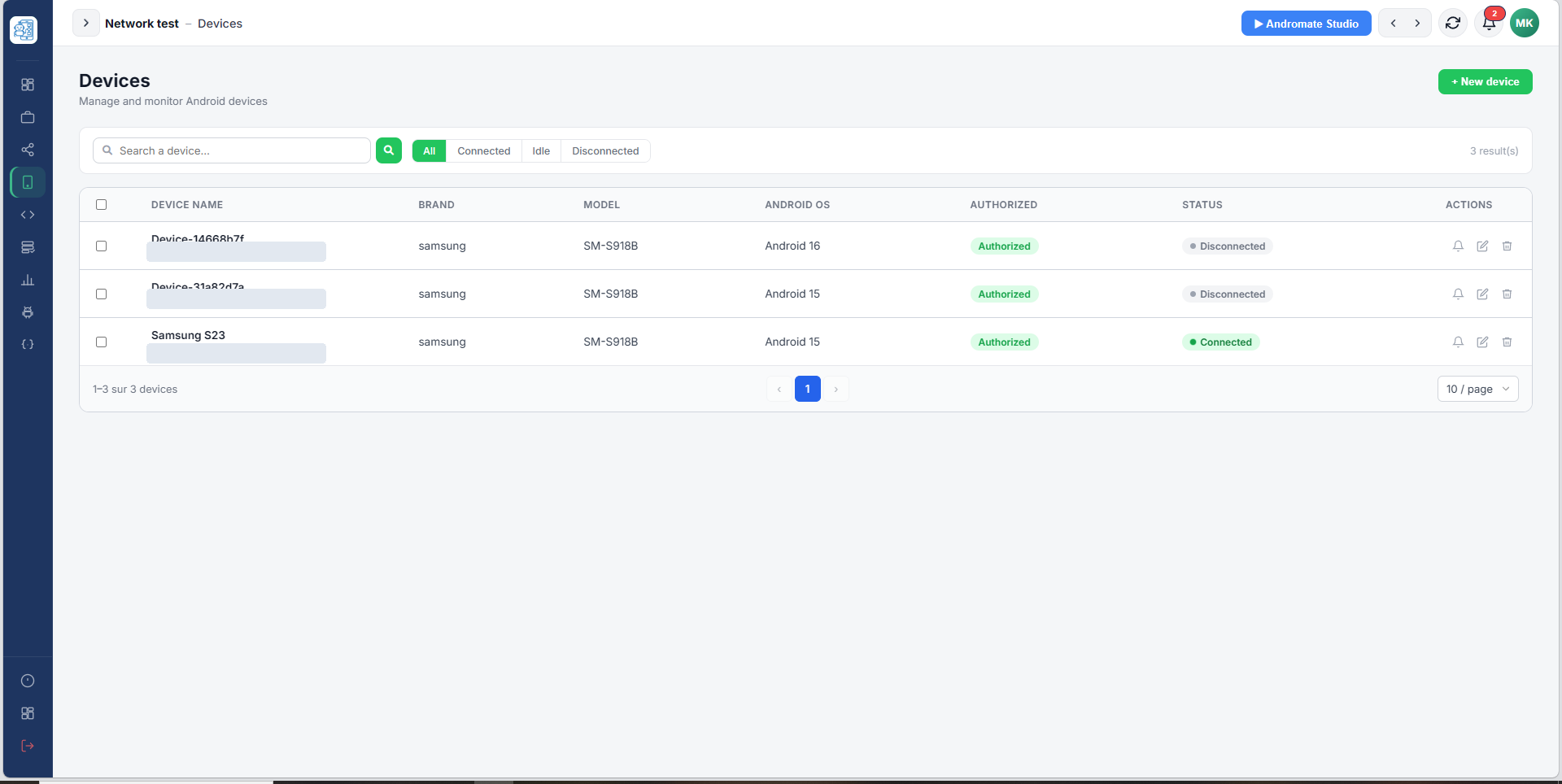
Register devices, see which ones are online and send them work. Each device reports its status in real time.
- Connected and offline status at a glance
- Send a job to one or several devices
- Works with the Device Owner mode for managed fleets
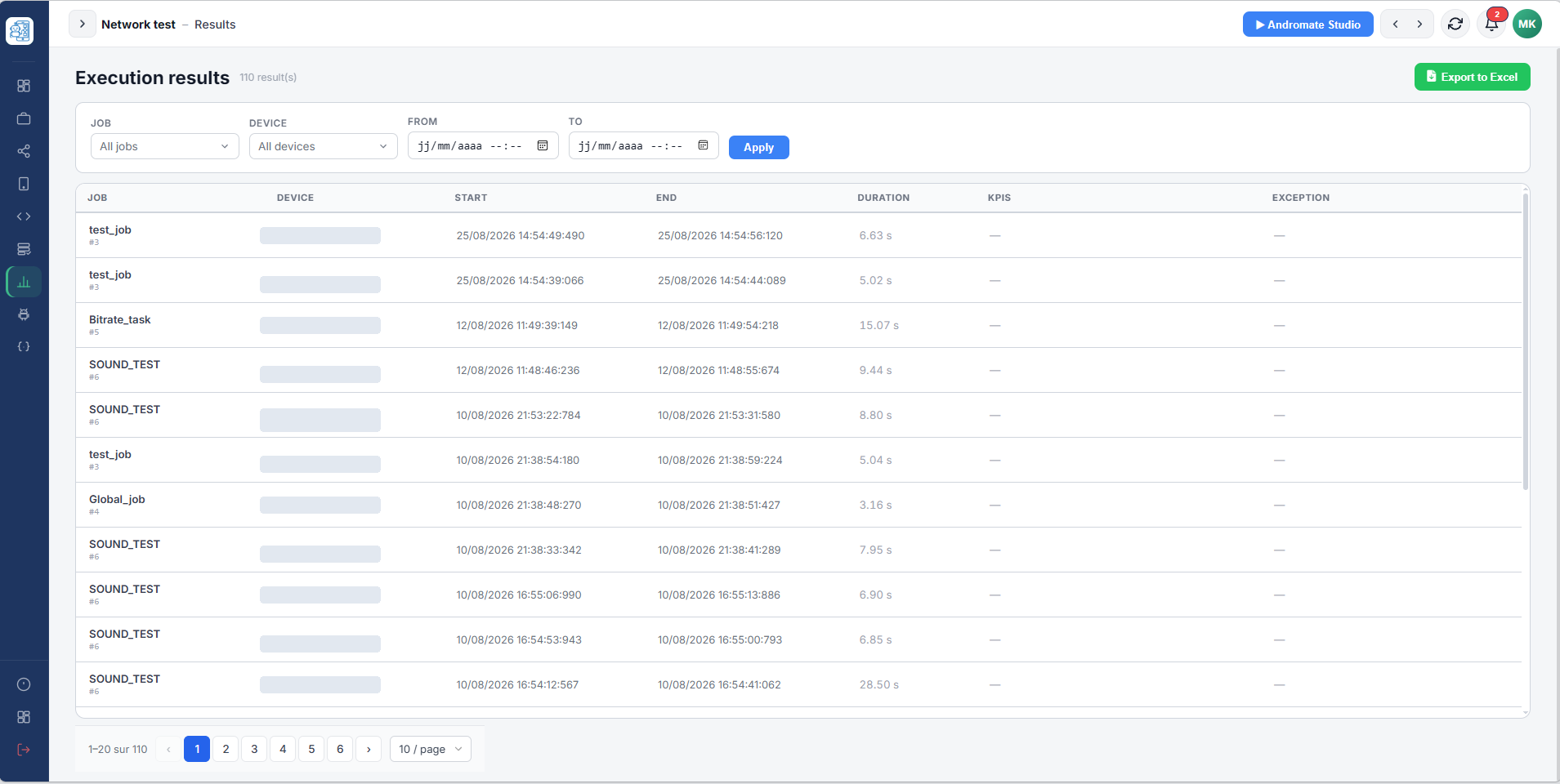
Follow every execution
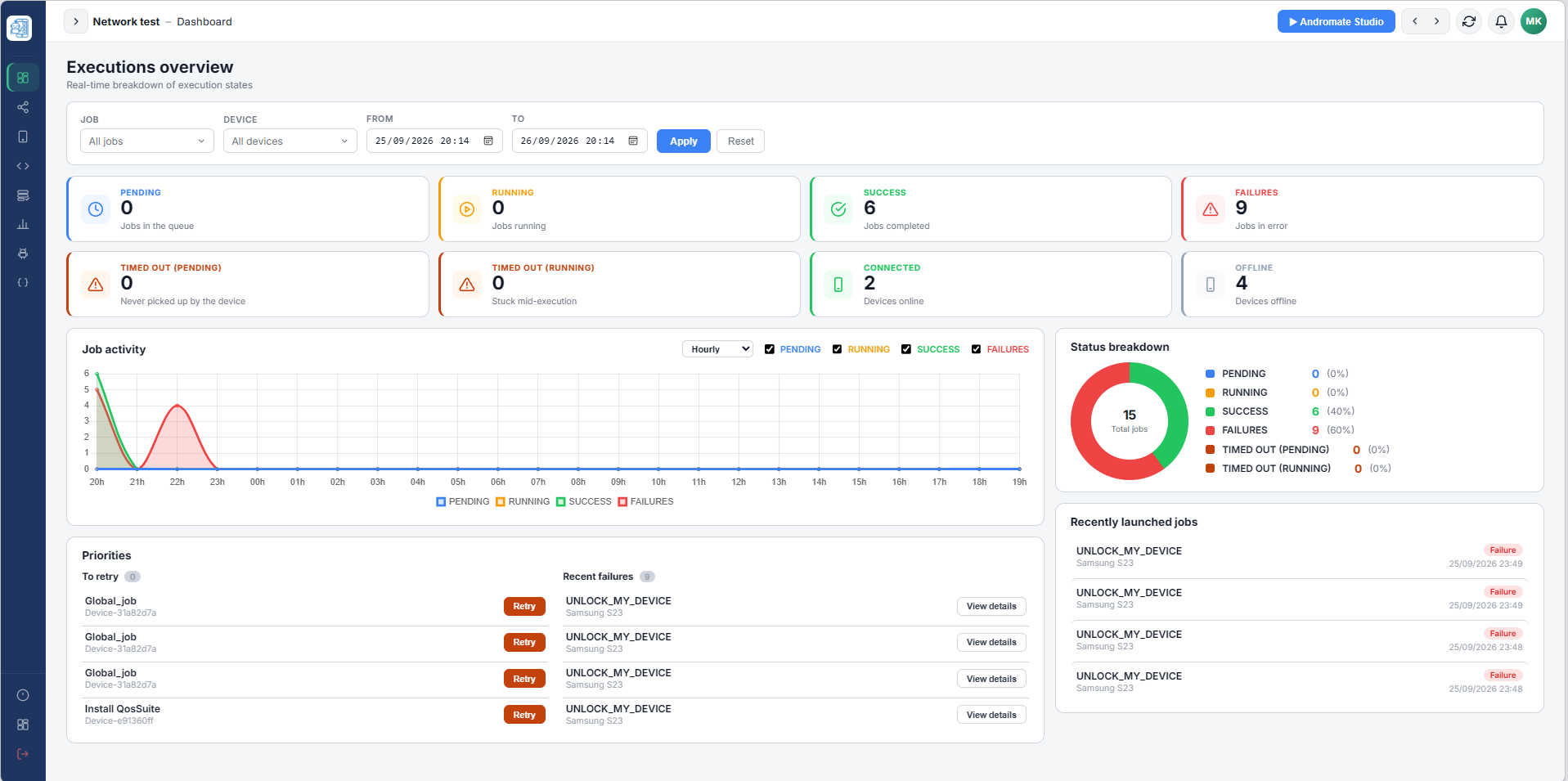
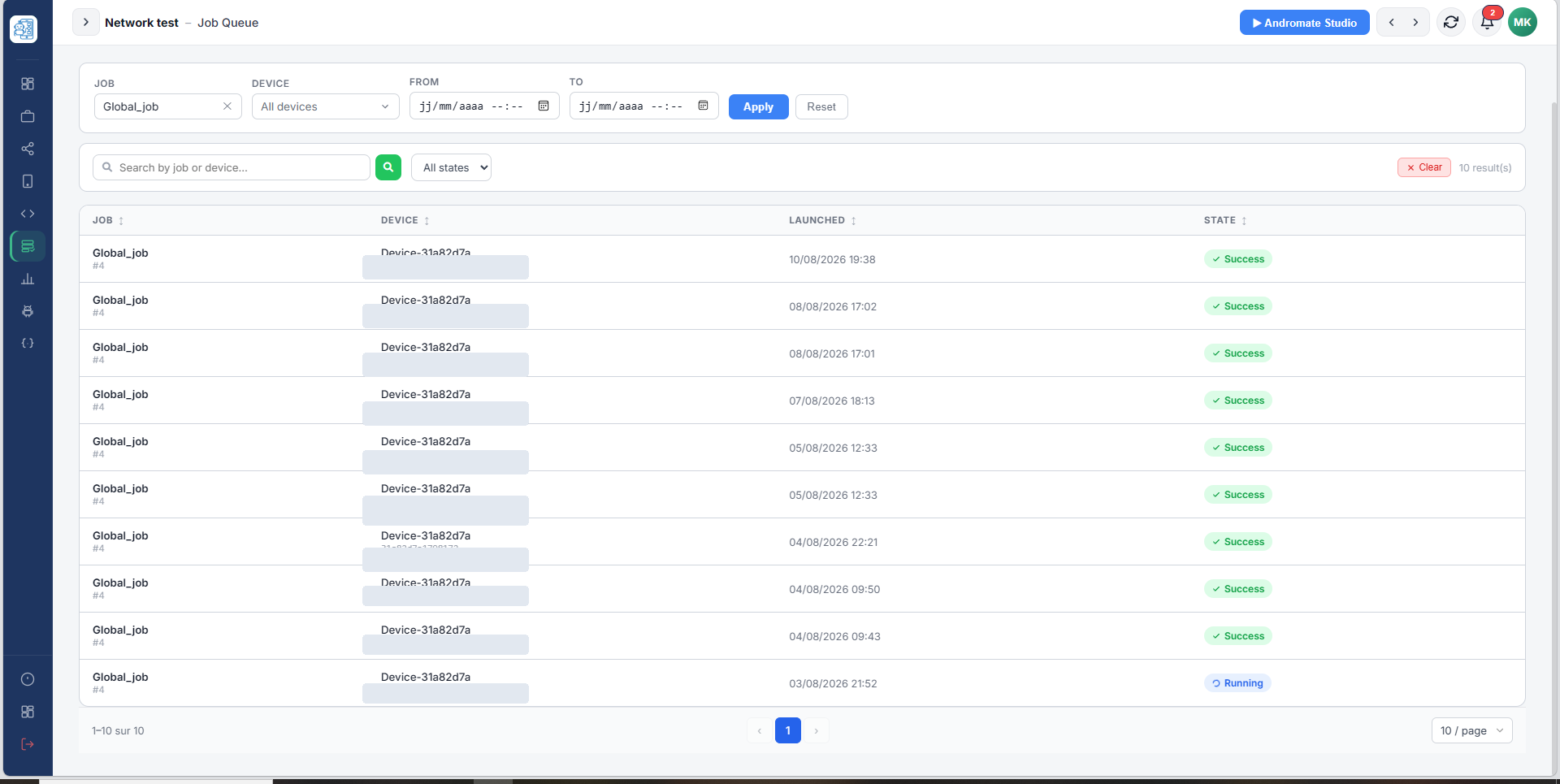
See what is pending, running, successful or failed. Retry an execution that timed out with a single click.
- Live state of every execution
- Filters by job, device and date
- Retry and relaunch from the detail page
Understand what happened
Read the KPIs, the logs and the exceptions of each execution, with the failing task and a clear error message.
- KPIs and result values per execution
- Readable error details with the task that failed
- Export results for reporting
Explore the documentation
Find the section that matches what you want to do.
Get started
Install the mobile app, sign in and register your devices.
Read moreInterface
Tour of the mobile app, the web portal and Andromate Studio.
Read moreWorkflows
Concepts, variables, the runtime resolver, and how to create and run workflows.
Read moreTasks
The full reference of every task, its parameters, outputs and errors.
Read moreAPI
Trigger jobs and read execution states from your own tools with API keys.
Read moreSupport
FAQ, app limits and how to contact the team.
Read moreReady to automate your first workflow?
Follow the quick start, and have a device running your first job in minutes.