Job Queue
Job Queue is the live queue of launched executions.
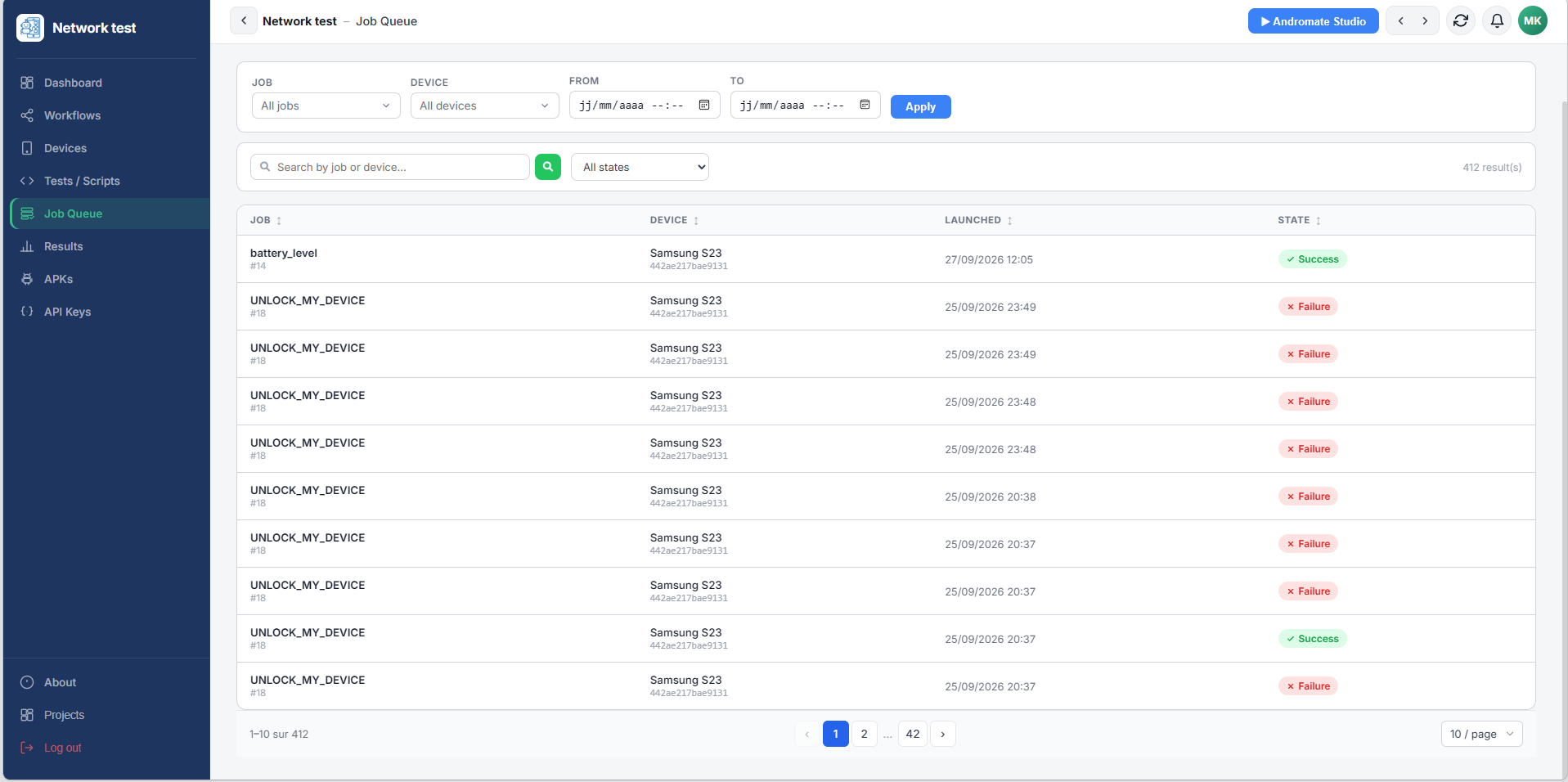
| Element | Does |
|---|---|
| Job / Device / From / To + Apply | Filters the queue by job, device or time range |
| Search bar | Filters by job or device name |
| State dropdown | Filters to a single state (Pending, Running, Success, Failure) |
| Job column | The job's name and ID |
| Device column | The device the job ran (or is running) on |
| Launched column | When the execution was started |
| State column | Its current state |
Click a row to open its execution detail page - timing, log, KPIs and any exceptions, each shown as a readable card (see Launch Your First Job).