Results
Results is the project's full execution history - every past run, not just the live queue.
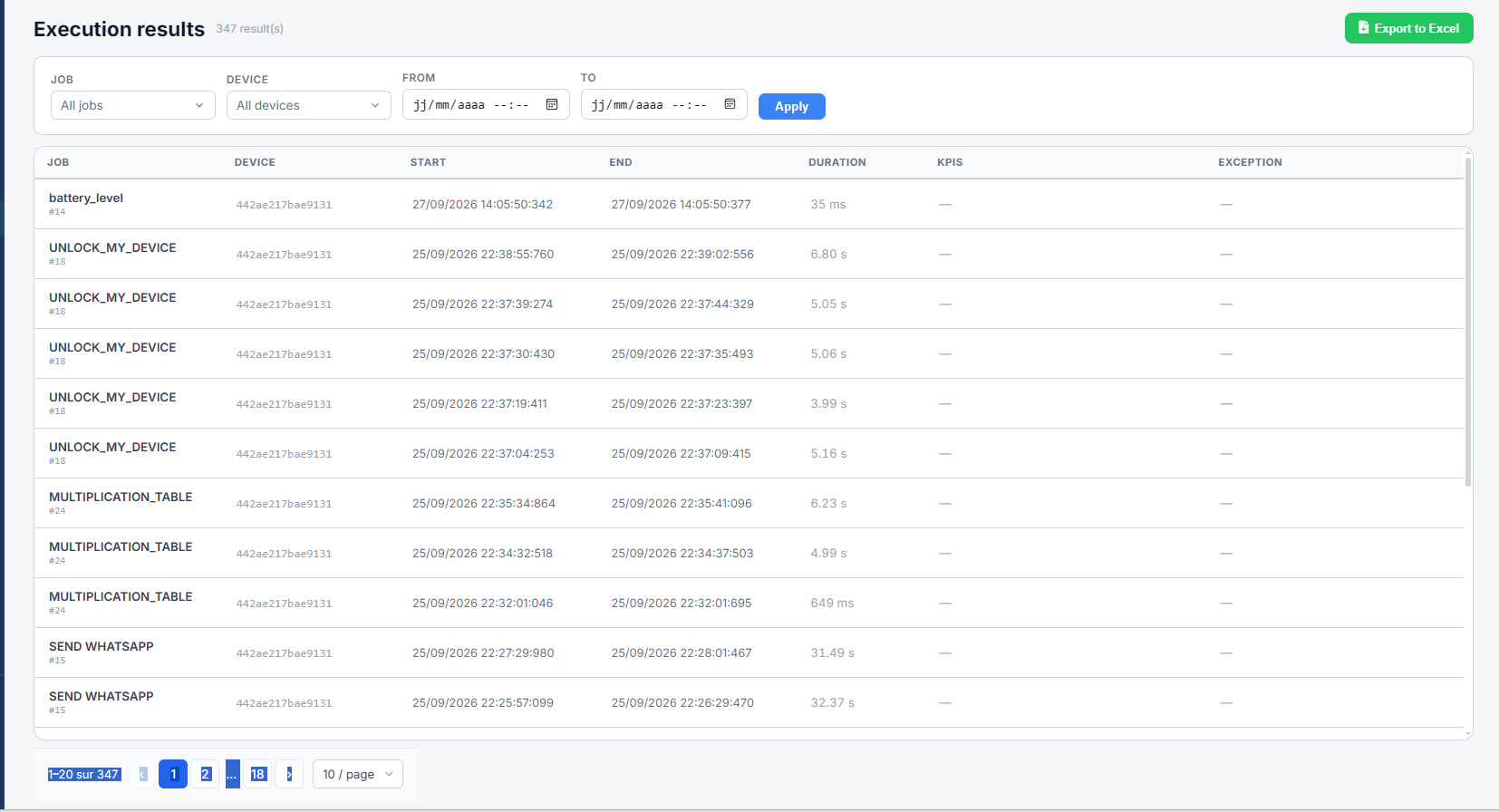
| Element | Does |
|---|---|
| Job / Device / From / To + Apply | Filters the history by job, device or time range, same as Job Queue |
| Export to Excel | Downloads the filtered results as a spreadsheet |
| Job column | The job's name and ID |
| Device column | The device it ran on |
| Start / End columns | When the execution began and finished |
| Duration column | How long it took |
| KPIs column | Key values the workflow reported, if any |
| Exception column | The error raised, if the execution failed |
Results are paginated, with a page-size selector at the bottom.