Tests / Scripts
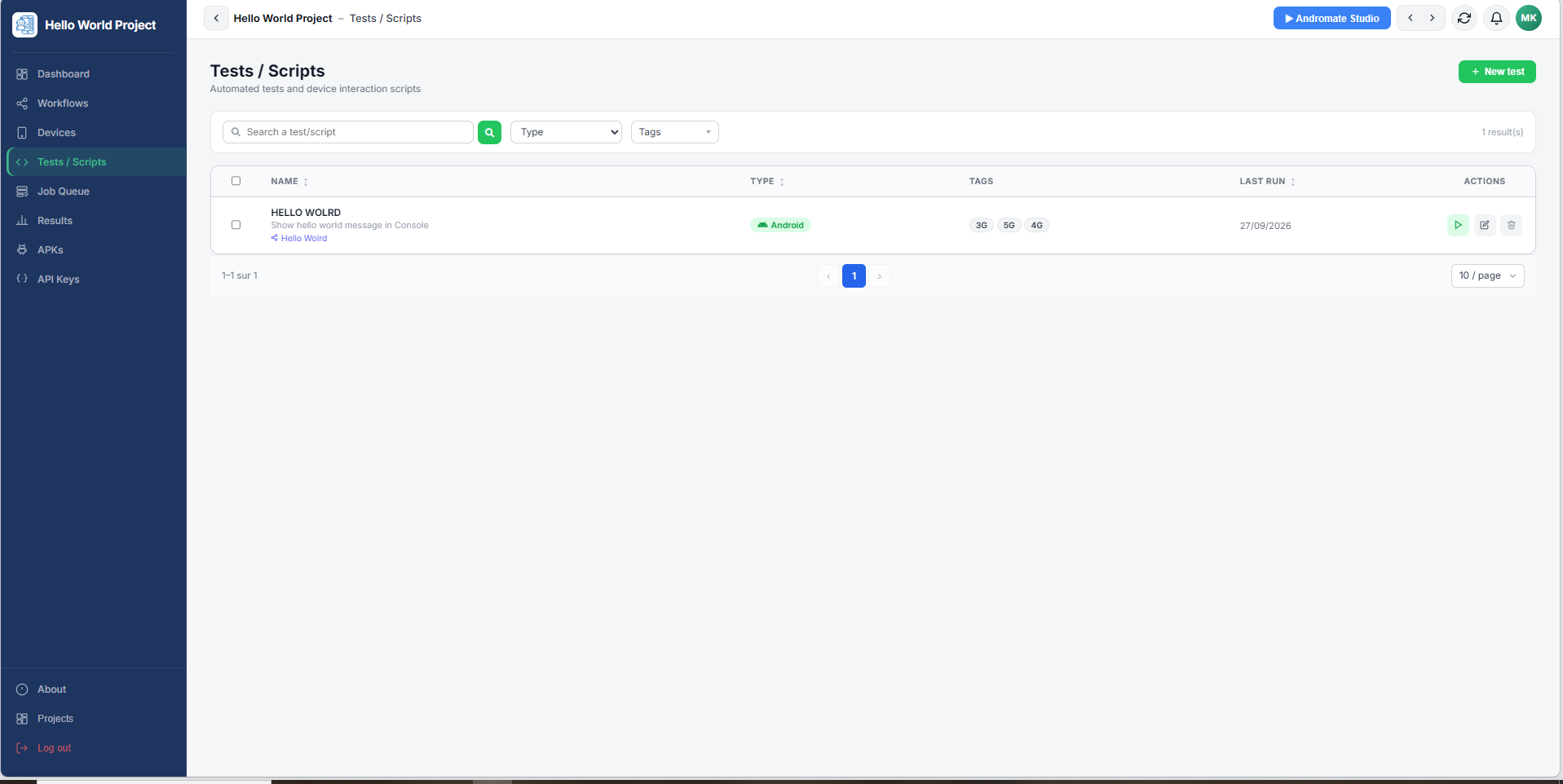
Tests / Scripts lists this project's jobs - a job is what you run on a device: a name, a category, and the workflow that defines what actually happens. See Launch Your First Job for the full walkthrough of creating and running one; this page covers the screen itself.
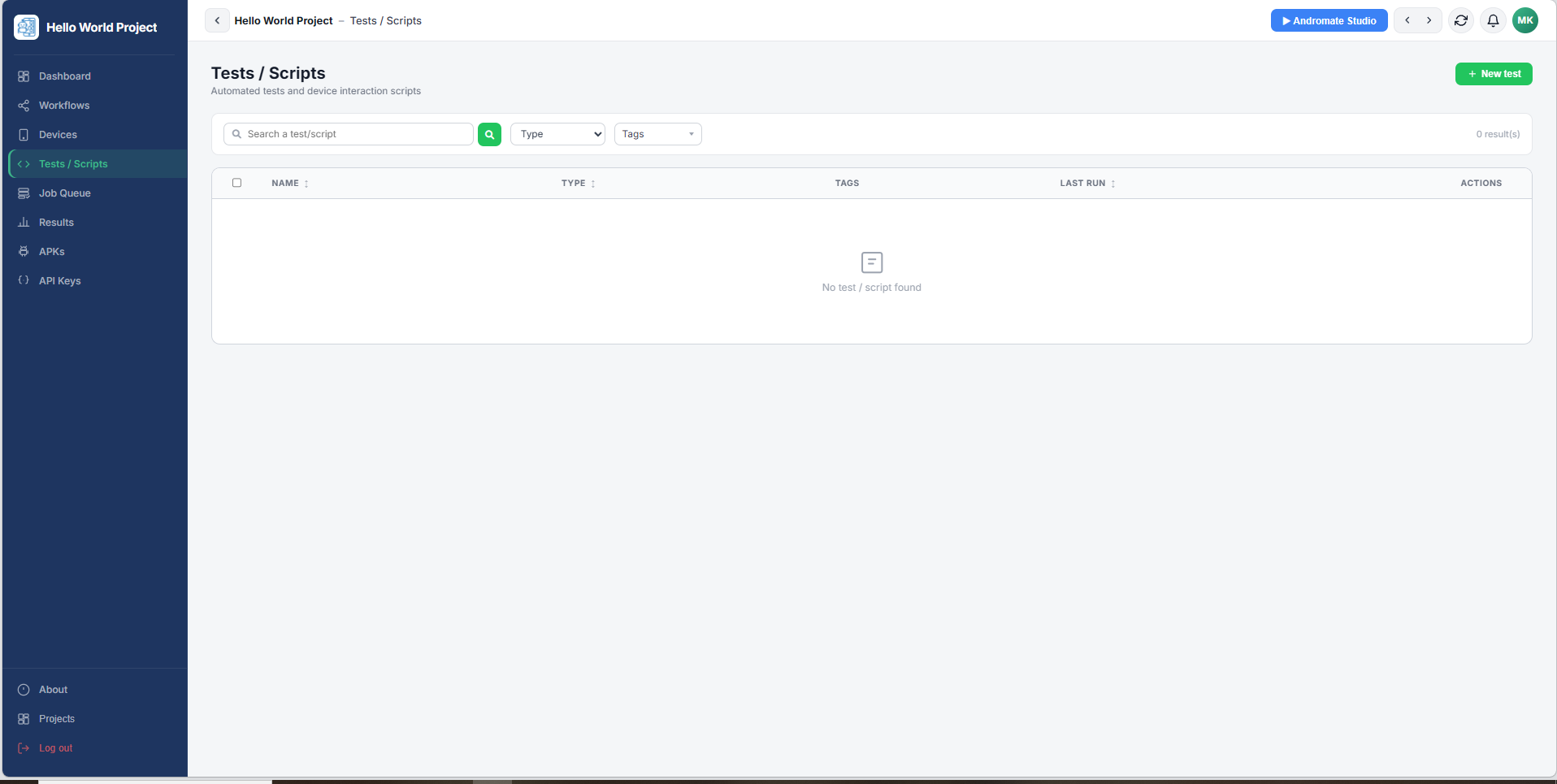
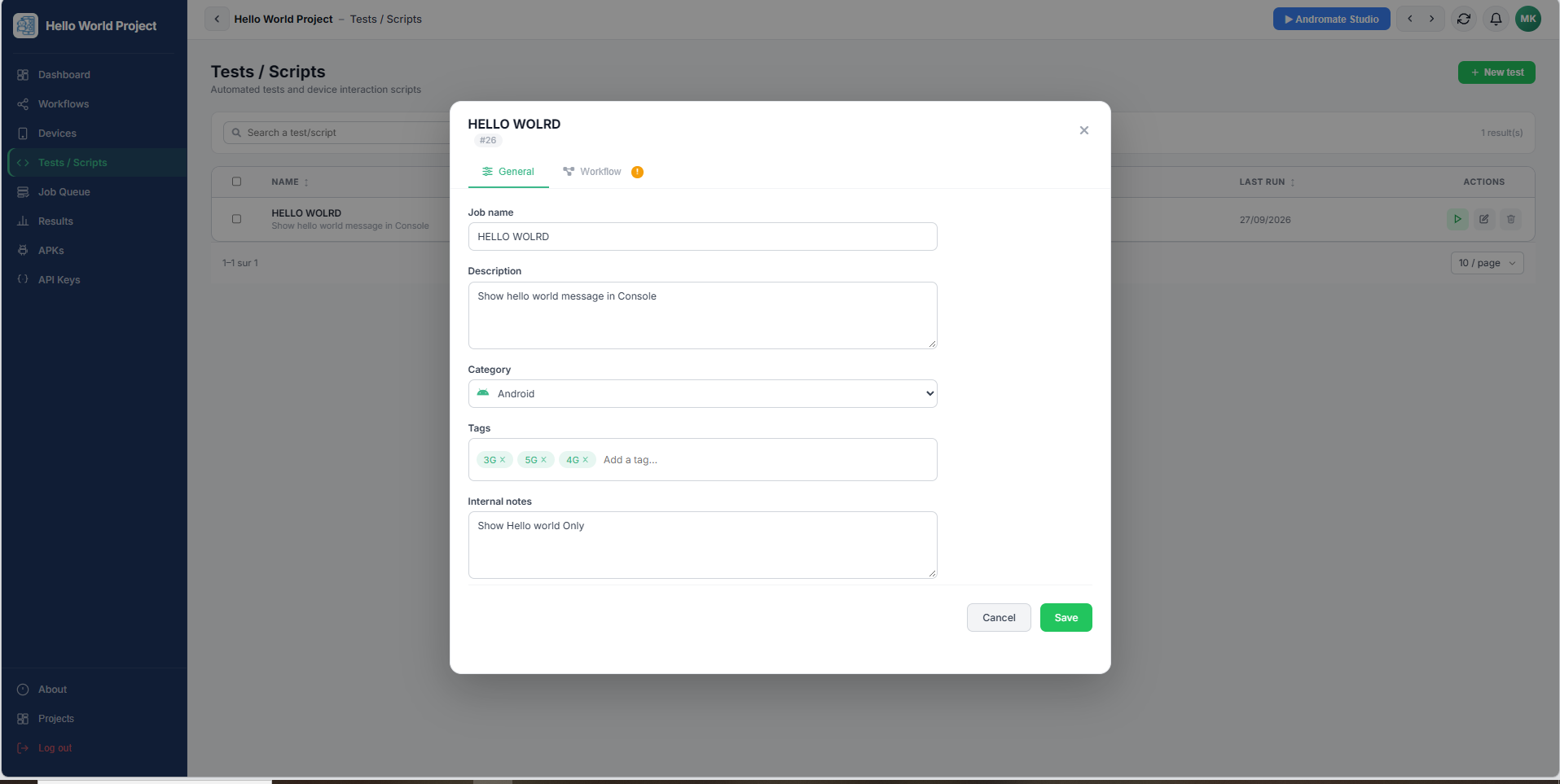
Click + New test to open the job modal, on the General tab:
| Field | Required | Description |
|---|---|---|
| Job name | Yes | A short, recognisable name |
| Description | No | What the job does |
| Category | Yes | QoS, IoT, Android, Network, QA, Performance, Security, UI, Other |
| Tags | No | Free labels to filter and search jobs later |
| Notes | No | Internal notes, not shown to end users |
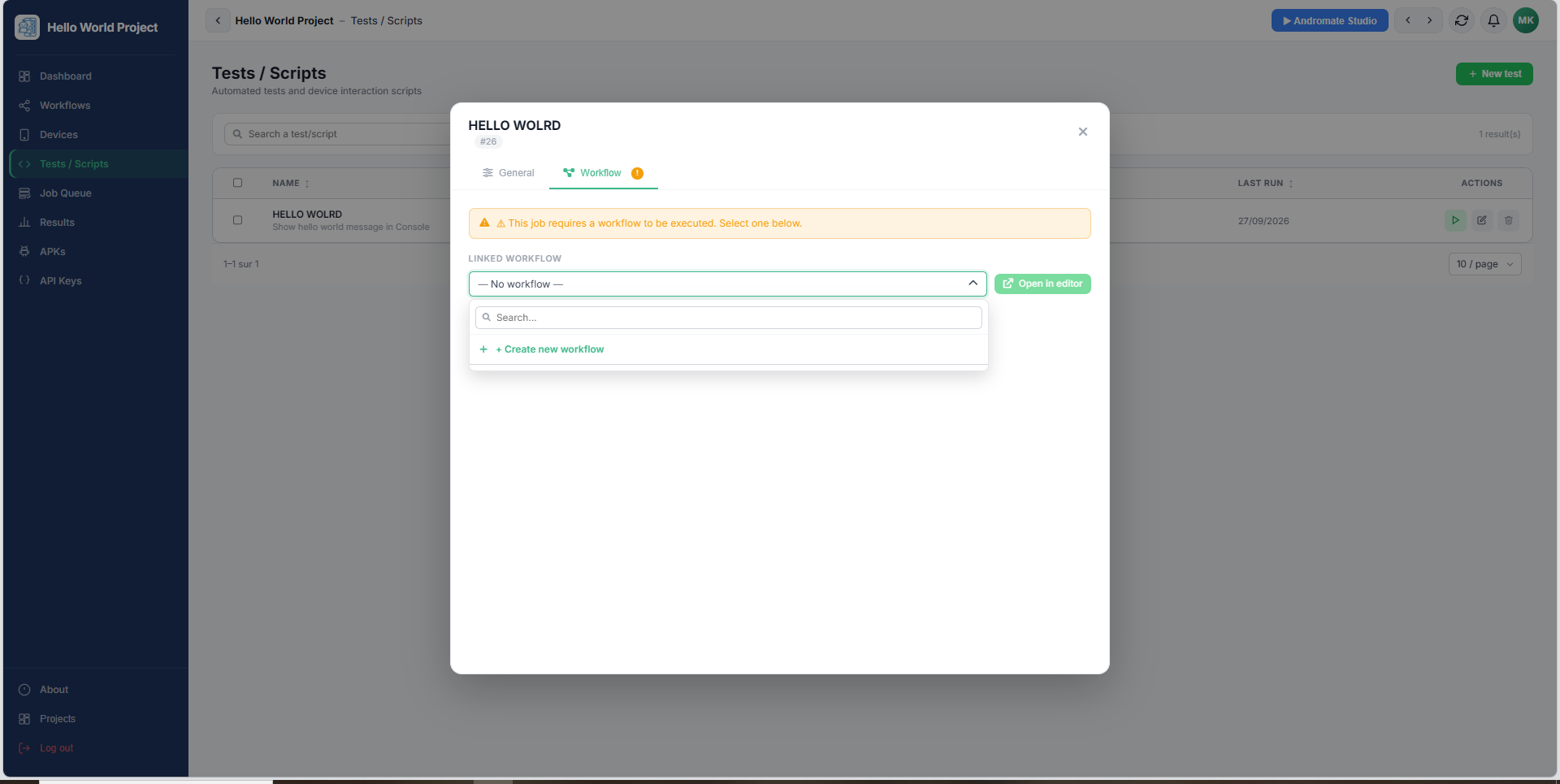
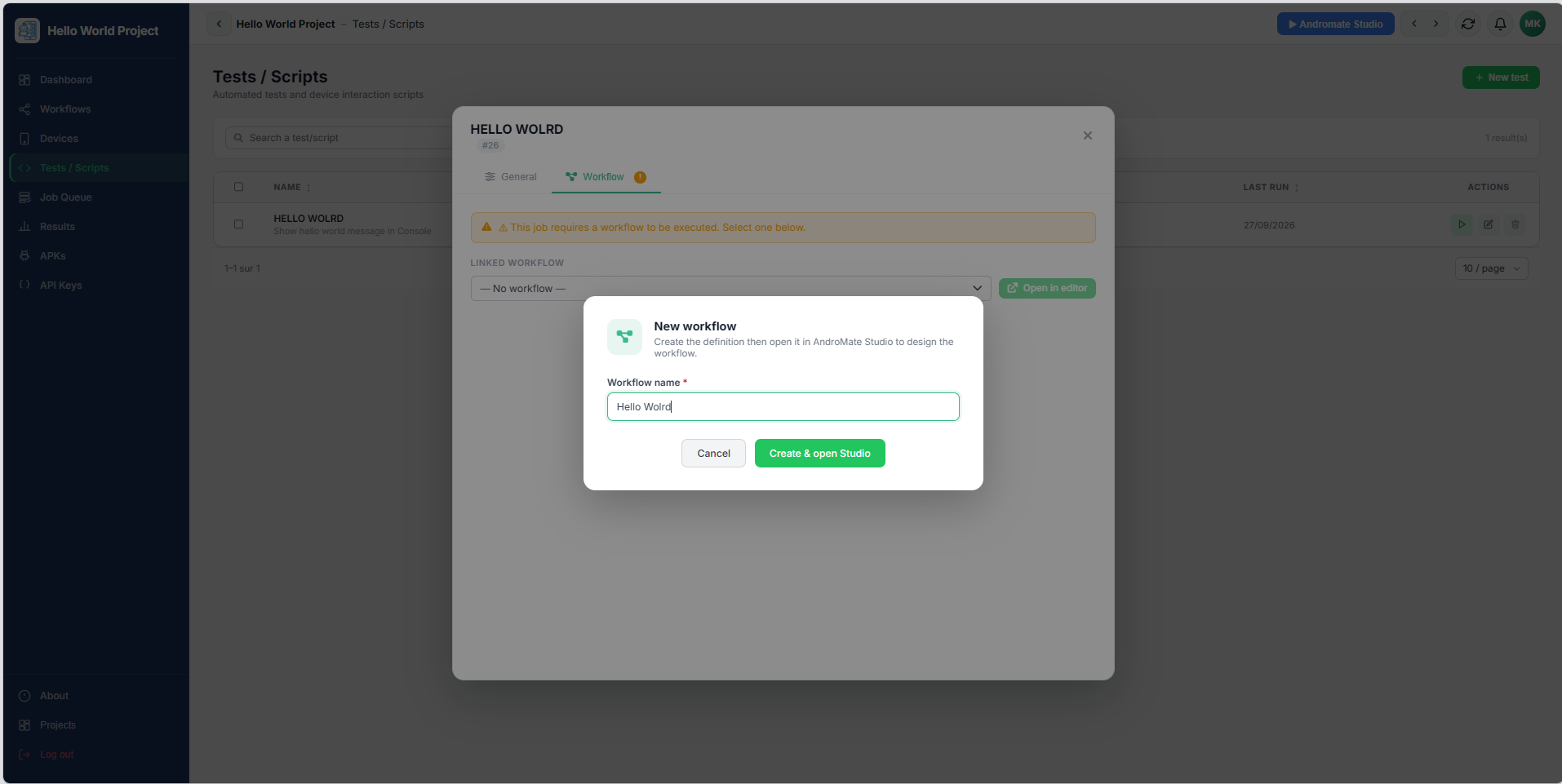
The Workflow tab attaches the workflow the job runs - an existing one, or a brand new one created on the spot and opened in Andromate Studio:
Once saved, the list shows each job with its linked workflow's name underneath:
What's next
- Launch Your First Job - creating a project, a job, and running it
- Job Queue - following a job once it's launched
- Workflows - managing workflows on their own, outside a job